
Pro Series player message board
-
1 UPLOAD AND SIZE YOUR PLAYER PHOTO
-
2 CHOOSE A MESSAGE BOARD DESIGN
-
3 PICK A MESSAGE AREA BACKGROUND
-
4 SELECT AND EDIT A MESSAGE TEMPLATE
-
5 REVIEW AND GO TO CHECKOUT
Let’s get started!
After your photo is uploaded, the
background will be removed.
The image of your player will
appear in the message area where
it can be sized and positioned the
way you like. Then go to step 2.


-

Arizona
-

Atlanta
-

Baltimore
-

Boston
-

Chicago 1
-

Chicago 2
-

Cincinnati
-

Cleveland
-

Colorado
-

Detroit
-

Houston
-

Kansas City
-

Las Vegas
-

Los Angeles 1
-

Los Angeles 2
-

Miami
-

Milwaukee
-

Minnesota
-

New York 1
-

New York 2
-

Philadelphia
-

Pittsburgh
-

San Diego
-

San Francisco
-

Seattle
-

St Louis
-

Tampa Bay
-

Texas
-

Toronto
-

Washington


Scroll to see all 30 choices.
















































Scroll to see all 48 choices.
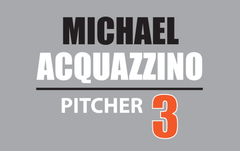

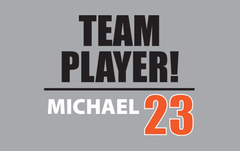

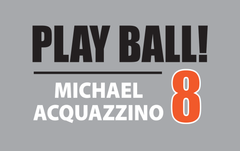
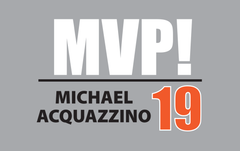

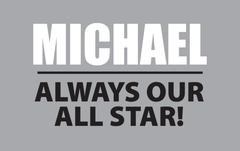
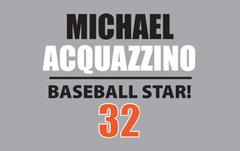

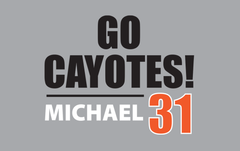
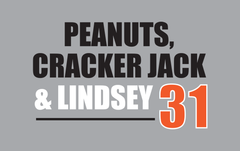

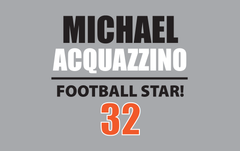
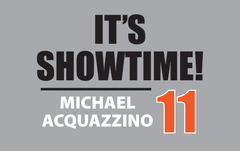
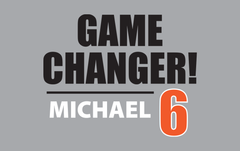

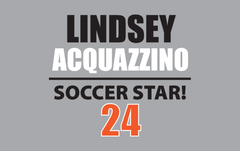
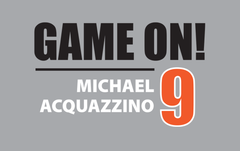
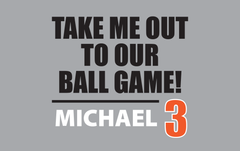

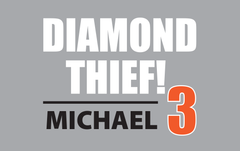
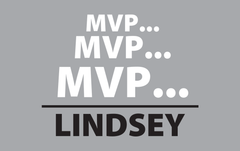
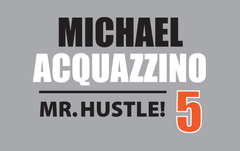
Select any line of message template text to replace it with your player’s info. Or, change the template text entirely and make a message of your choice. Select any text or horizontal line to change its color, resize or reposition it.
Scroll to see all 24 choices.
Your Message Board Looks Awesome!
Couldn't load pickup availability

We strongly suggest using a photo with a higher resolution to ensure the best possible printing result.

 diagonal arrow icon.
 REMINDER

You will need to visit our website on a laptop, a desktop computer or tablet to create your custom message board or to learn more about Stadium Stars!


